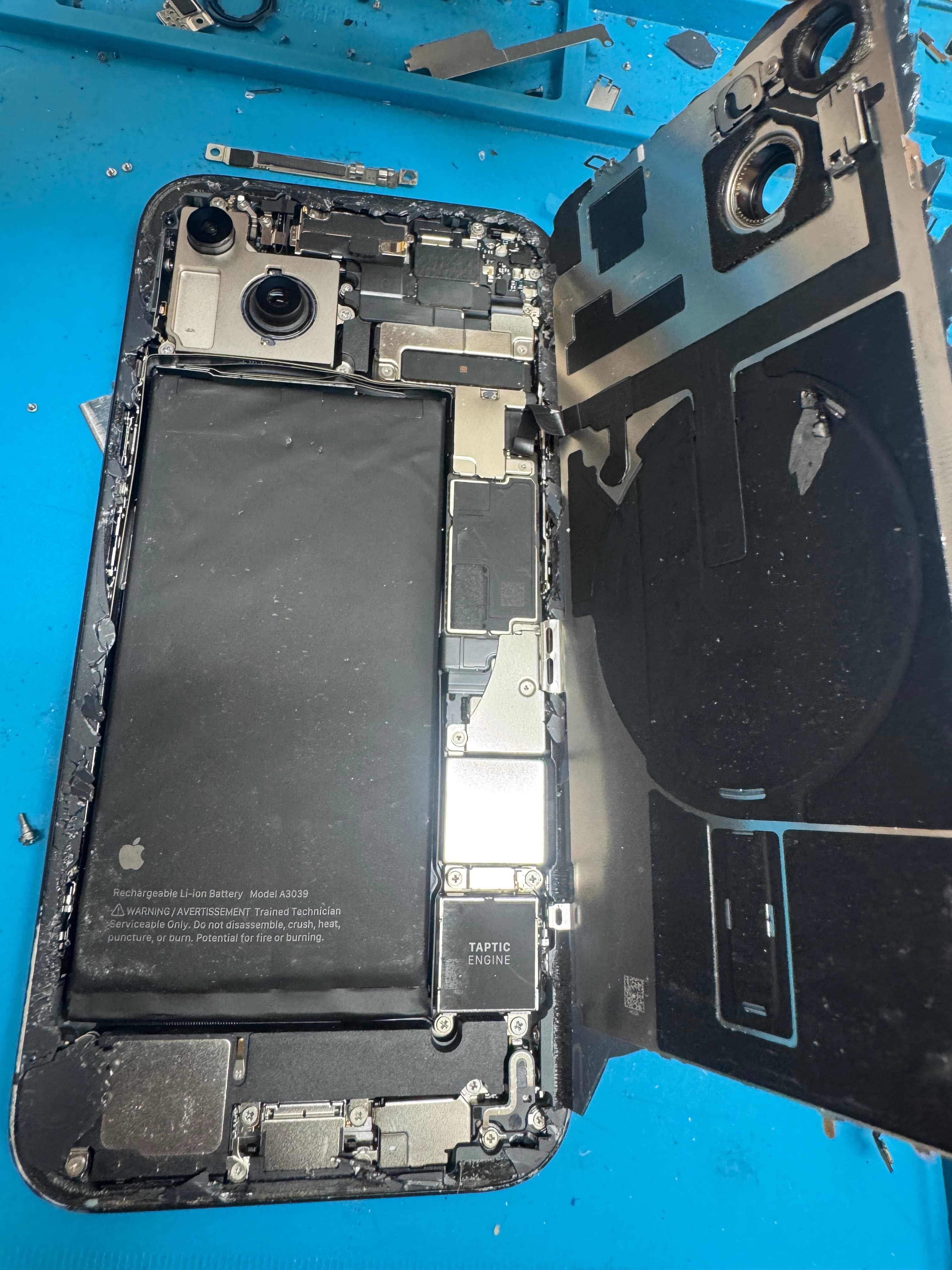
Signs it is the charging port
- It only charges when the cable is held at an angle or pushed in.
- The cable falls out or feels loose — even a brand-new one.
- “Accessory may not be supported” with a cable that works on other phones.
- It charges on MagSafe or a wireless pad, but not on a cable.
- CarPlay or your computer keeps disconnecting mid-drive or mid-sync.
- A “Liquid Detected” alert that will not clear after the phone has dried.
- Callers say you sound muffled — on most iPhones the bottom microphone shares the port flex.
- It says charging, but the percent barely moves.
What we do at the counter
- 1Look. Light into the port. We check for packed lint, green or dark corrosion, and bent or broken contacts before anything gets opened.
- 2Rule out the cable. We test with a known-good cable and charger. A frayed cable or a weak brick fails the same way a bad port does.
- 3Port or battery. If the phone charges wirelessly but not on a cable, the port is the suspect. If it charges fine but dies at 30%, that is the battery. We tell you which one it is.
- 4Fix what is actually wrong. If it is just lint, we tell you — that is not a port replacement. If the port or its flex is worn or damaged, it gets replaced, and we test charging before you leave.
- 5Say so if it is deeper. If liquid or a charge event reached the board, that is board work, not a port swap. We say that before we start, not after.
Lightning or USB-C: which port your iPhone has
iPhone 11 through iPhone 14 charge through Lightning. Every iPhone 15 and iPhone 16 model, including the 16e, uses USB-C. A USB-C port did not end port trouble: lint still packs in, and the thin tongue in the middle can bend if a cable is yanked out sideways. Model-by-model notes:
| iPhone | Models | Port |
|---|---|---|
| iPhone 16 | 16e · 16 · 16 Plus · 16 Pro · 16 Pro Max | USB-C |
| iPhone 15 | 15 · 15 Plus · 15 Pro · 15 Pro Max | USB-C |
| iPhone 14 | 14 · 14 Plus · 14 Pro · 14 Pro Max | Lightning |
| iPhone 13 | 13 mini · 13 · 13 Pro · 13 Pro Max | Lightning |
| iPhone 12 | 12 mini · 12 · 12 Pro · 12 Pro Max | Lightning |
| iPhone 11 | 11 · 11 Pro · 11 Pro Max | Lightning |
Port or battery?
A port problem is about getting power in: angle-only charging, a loose cable, a phone that charges wirelessly but not on a cable. A battery problem is about holding it: dies at 30%, shuts off in a hot car, drains overnight. Some phones have both. We test at the counter and tell you which one it is before quoting. Battery details: iPhone battery replacement. If liquid or a bad charger took out more than the port: iPhone board repair.
Before you come in
Try a second cable and a second charger. Do not dig in the port with a pin, a paperclip, or anything metal — that is how contacts get bent or shorted. If the phone shows a liquid alert, unplug it and let it dry; Apple says not to use heat, compressed air, or a bag of rice. Bring the cable that fails so we can watch it fail on the counter.
Price and timing
We do not post a charging-port price on this site. Charging port jobs are quoted at the counter for the phone in your hand — call (909) 292-8295 or walk in for an exact quote. Screens, batteries, and charging ports are usually same-day when the part is here. If we do not have the part, we do not start the job. Walk in at 332 N Azusa Ave, West Covina, CA 91791, corner of Workman and Azusa, next to Leprechaun Liquor. Monday–Friday 10:00am–9:00pm, Saturday 3:00pm–7:00pm, Sunday closed. More: iPhone repair in West Covina · how a walk-in works · FAQ.